Skip to content
Back to Calamus

The Calamus Blog

Updates, in progress, and what's next.

Notes from the two people building Calamus: what shipped and why it works the way it does, what is being built now, and what we are thinking about next. Written for people who take the craft of writing seriously and want to know what their tools are actually doing.

The Calamus Ideas app icon, a pen nib rising from blades of grass, under the words Now Available

September 15, 2026

Calamus Ideas for iPhone is on the App Store

Our first iPhone app is out. Write notes, save quotes to share with your book title and buy link, run a writing timer with your own photo as the background, and track your word counts and streak. $4.99 a month, or free if you own Calamus.

Read more
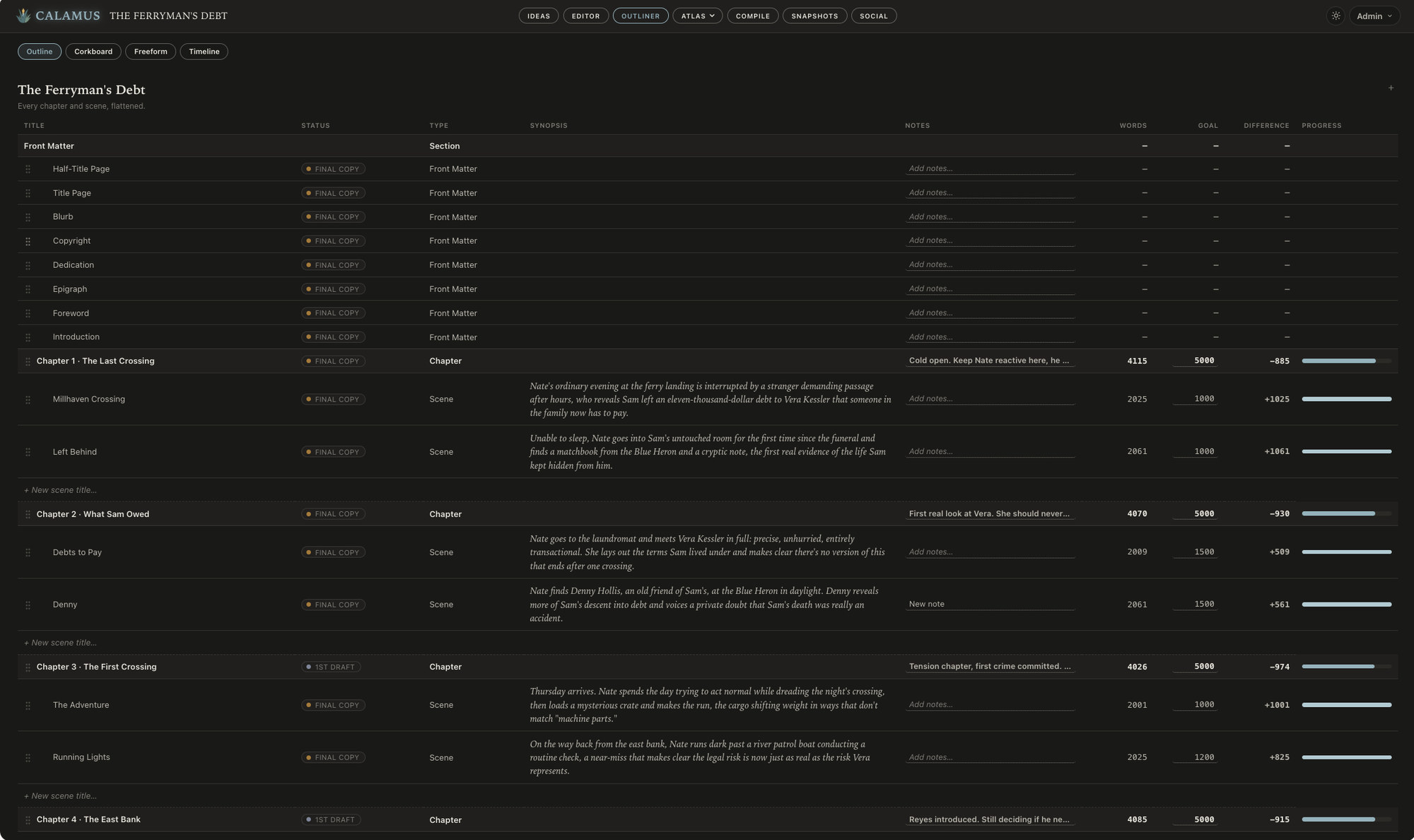
The Outliner in Calamus: every chapter and scene as a row, with words written, the goal, the difference and a progress bar

September 4, 2026

A toolkit for writing a novel in 30 days

What 50,000 words in 30 days works out to per day, how much preparation is enough, how to keep drafting and editing apart, and what to do on day 31.

Read more
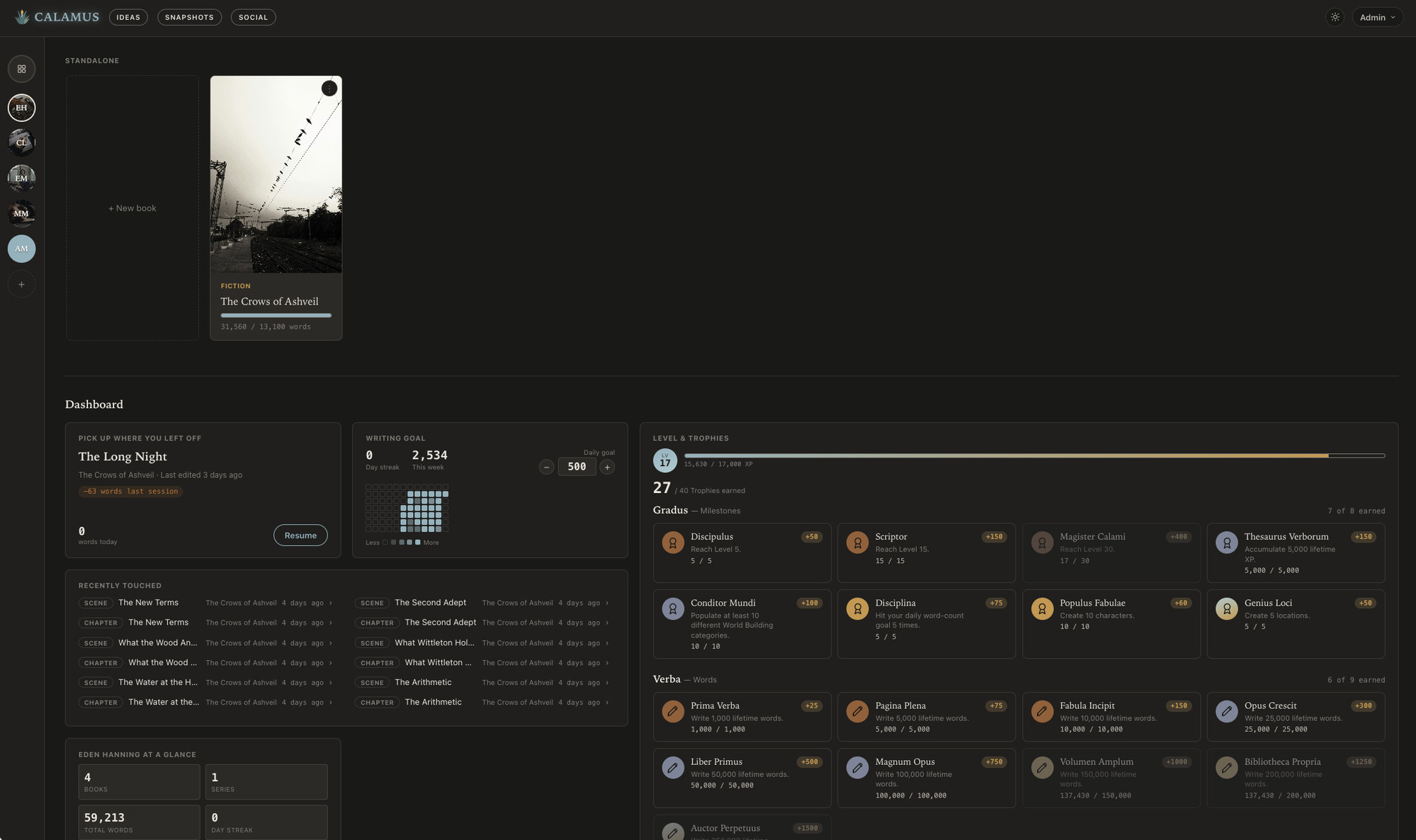
The Calamus Library and writer dashboard: pen names, a book in progress, a writing goal with its heatmap, and earned trophies

September 1, 2026

The best writing software for novelists in 2026

Seven tools novelists actually use, what each one costs, who it suits, and where each fits. Ordered by the kind of writer it fits rather than ranked one to seven.

Read more
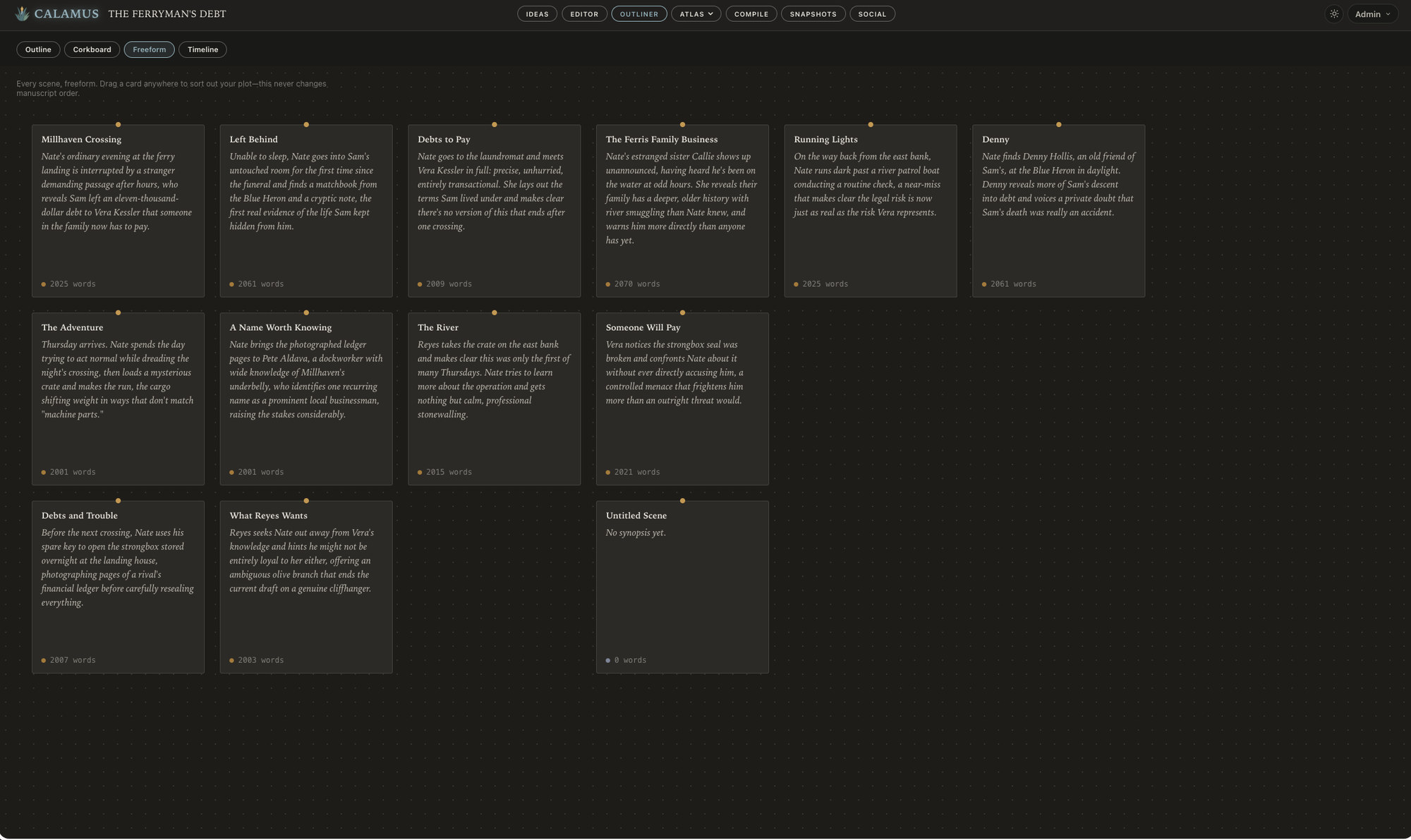
The Freeform board in Calamus: every scene as a card with its synopsis and word count, arrangeable without changing manuscript order

August 28, 2026

Plotting, pantsing, and the tools that suit each

Two working methods, the hybrid most novelists actually use, and what each one needs from writing software. Structure that is available without being required serves both.

Read more
A scene in Calamus marked Final Copy, with its own word goal met and the whole book's progress in the bar above it

August 21, 2026

From finished manuscript to retailer-ready in 7 steps

A practical checklist for the stretch between a finished draft and a book on sale: editing passes, front and back matter, trim size and gutter, EPUB validation, print PDF, and the proof copy.

Read more
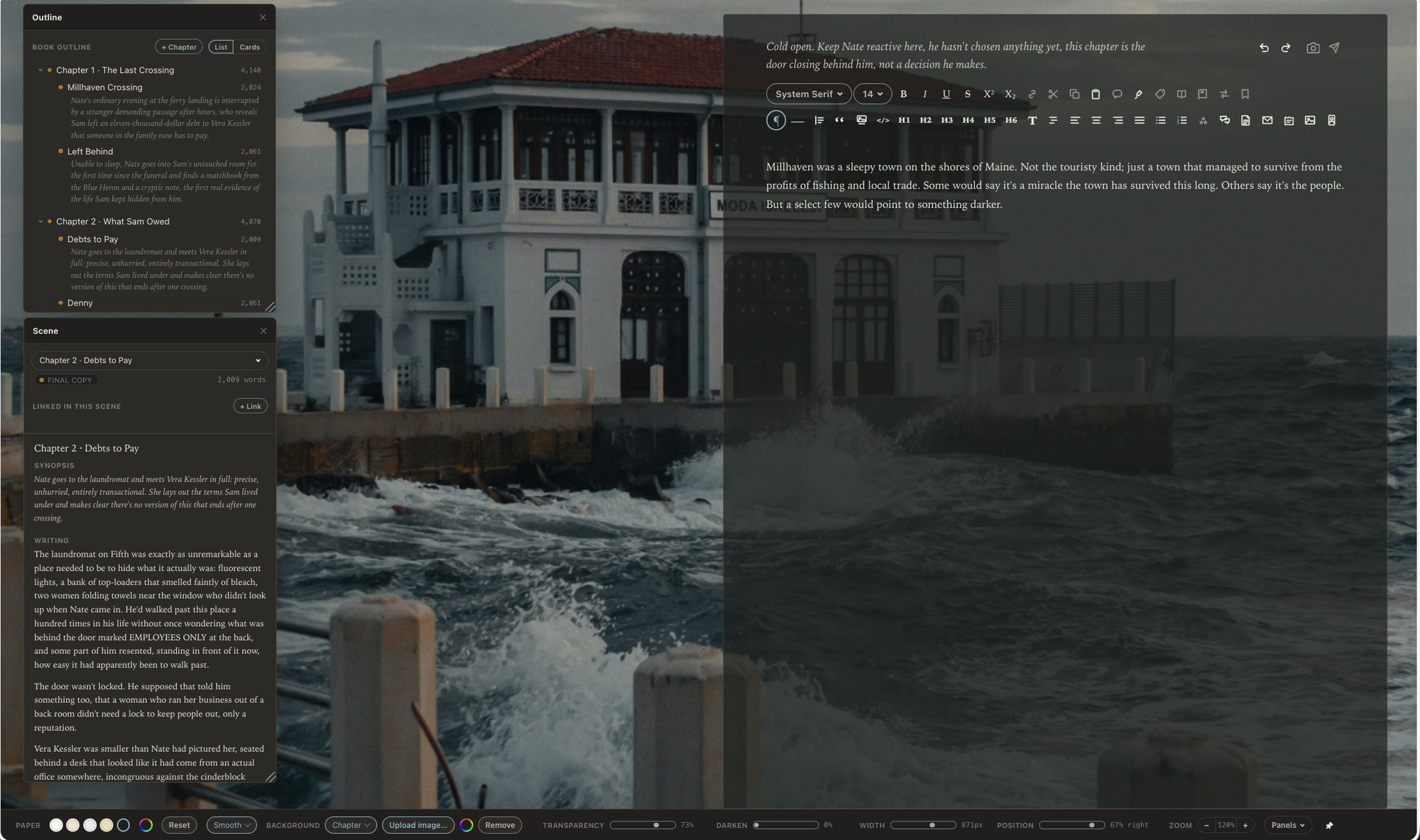
Revising in Calamus: the book outline and a scene's synopsis and text in floating panels beside the manuscript

August 18, 2026

How to self-publish a novel in 2026

A complete walkthrough: editing, cover design, ISBNs, choosing retailers, formatting the ebook and print interior, metadata, pricing, pre-orders and launch.

Read more
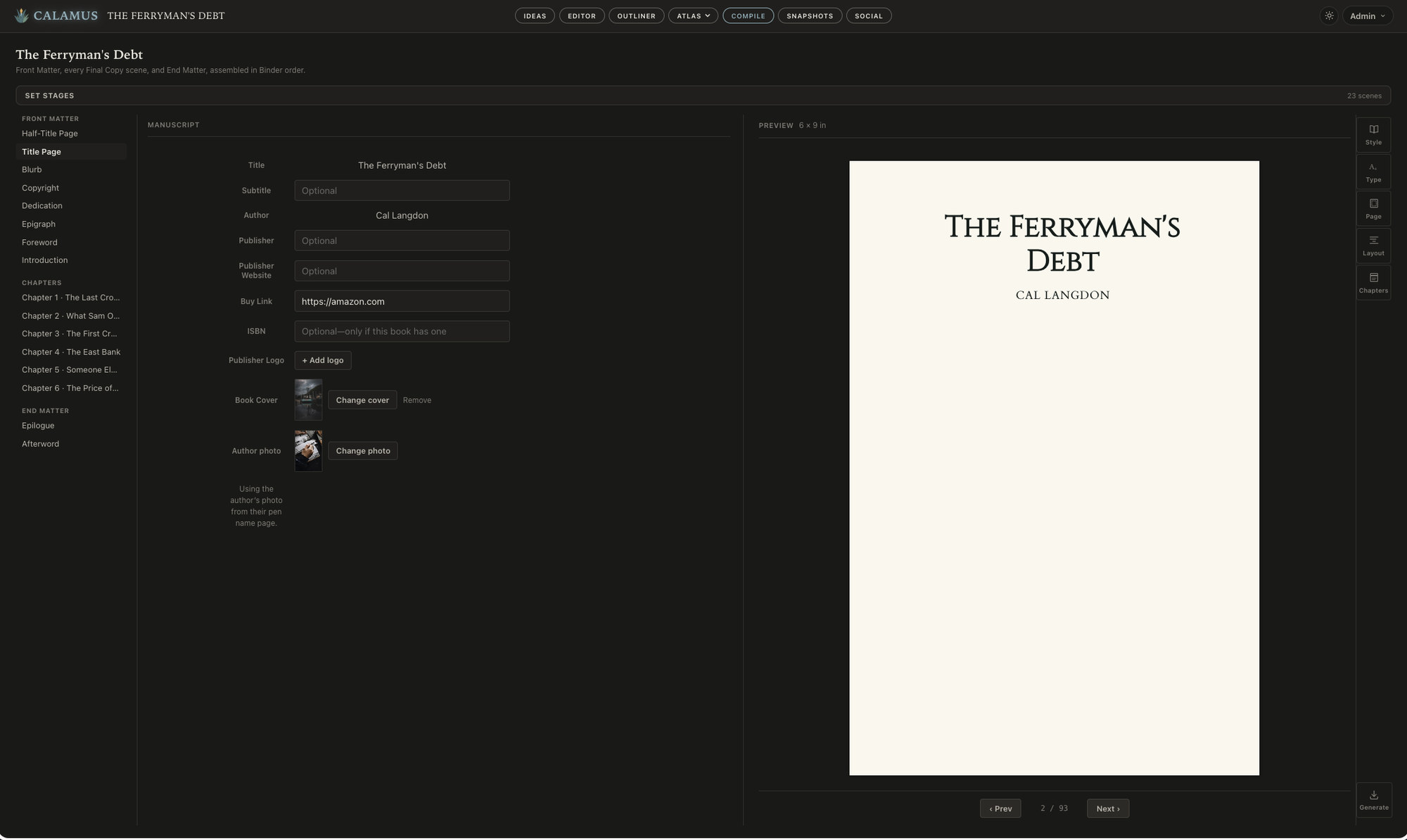
The Compile screen in Calamus: title page fields on the left and the typeset 6 by 9 inch page rendered beside them

August 14, 2026

Embedding fonts in your ebook, and the licensing behind it

A print PDF has to carry its fonts inside the file. An EPUB usually does not, and the reader's device often decides. Underneath both sits a licensing question worth answering before you pick a typeface.

Read more
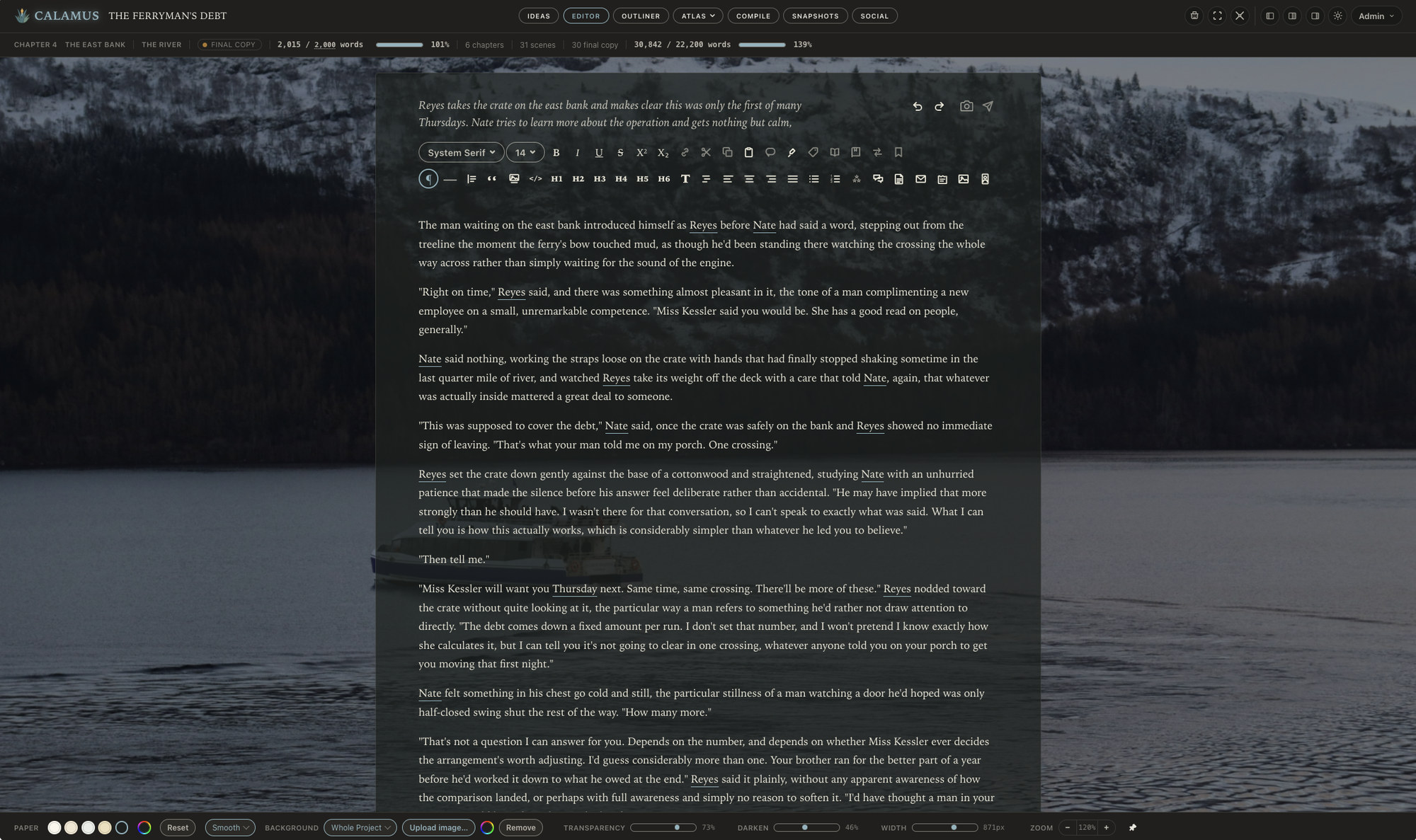
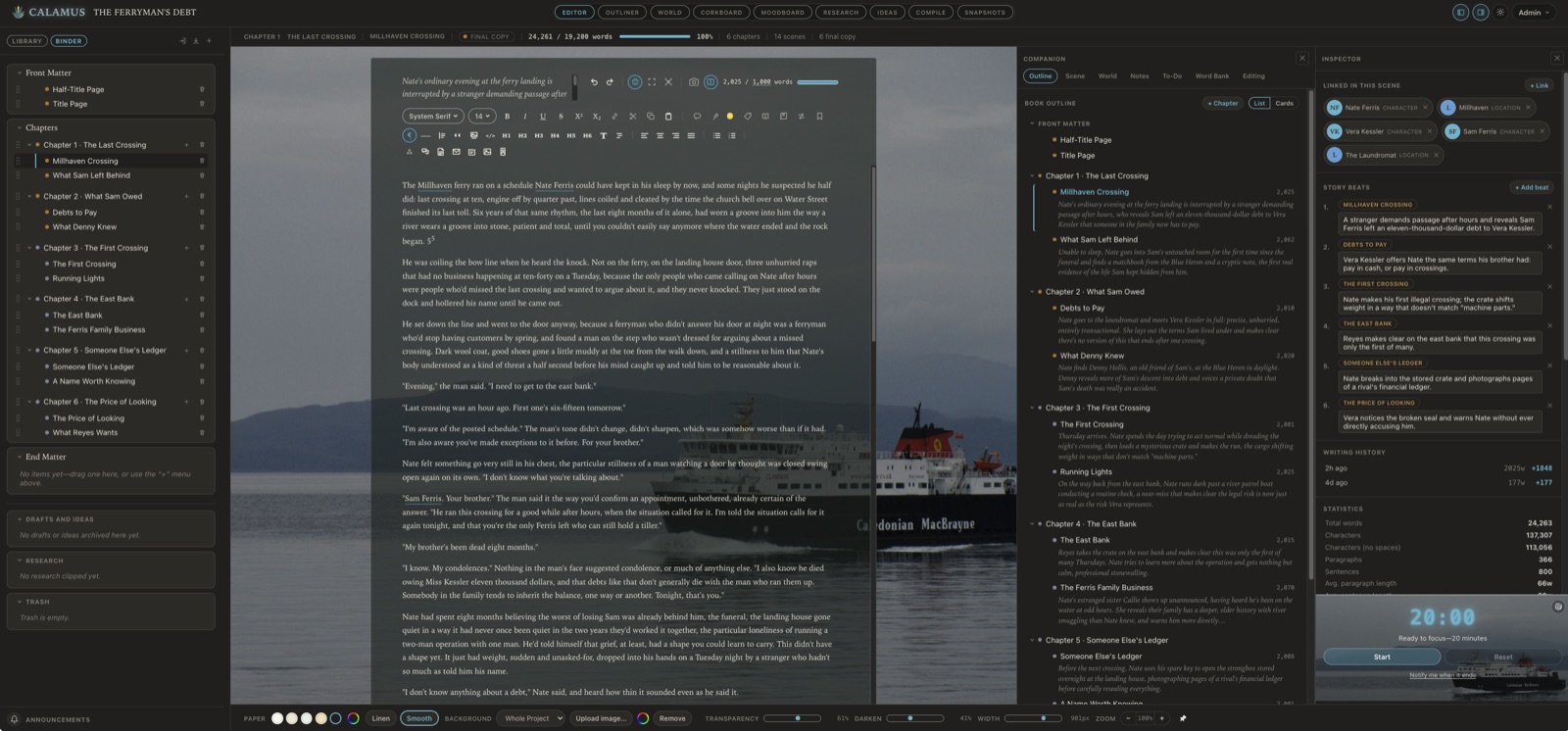
Calamus open on a novel called The Ferryman's Debt: the Binder listing six chapters and their scenes down the left, the manuscript on pale paper over a photograph of a ferry on gray water, the Companion outlining every chapter with its synopsis, and the Inspector listing the characters and locations linked in the scene beside its story beats

August 12, 2026

We Told Our Kids We Fought the Red Baron, Fed Loch Ness, and Built Pyramids. Then We Built a Writing App.

By day, we're software engineers. At night, we write cozy mysteries and adventures under pen names, which is a strange kind of double life.

Read more
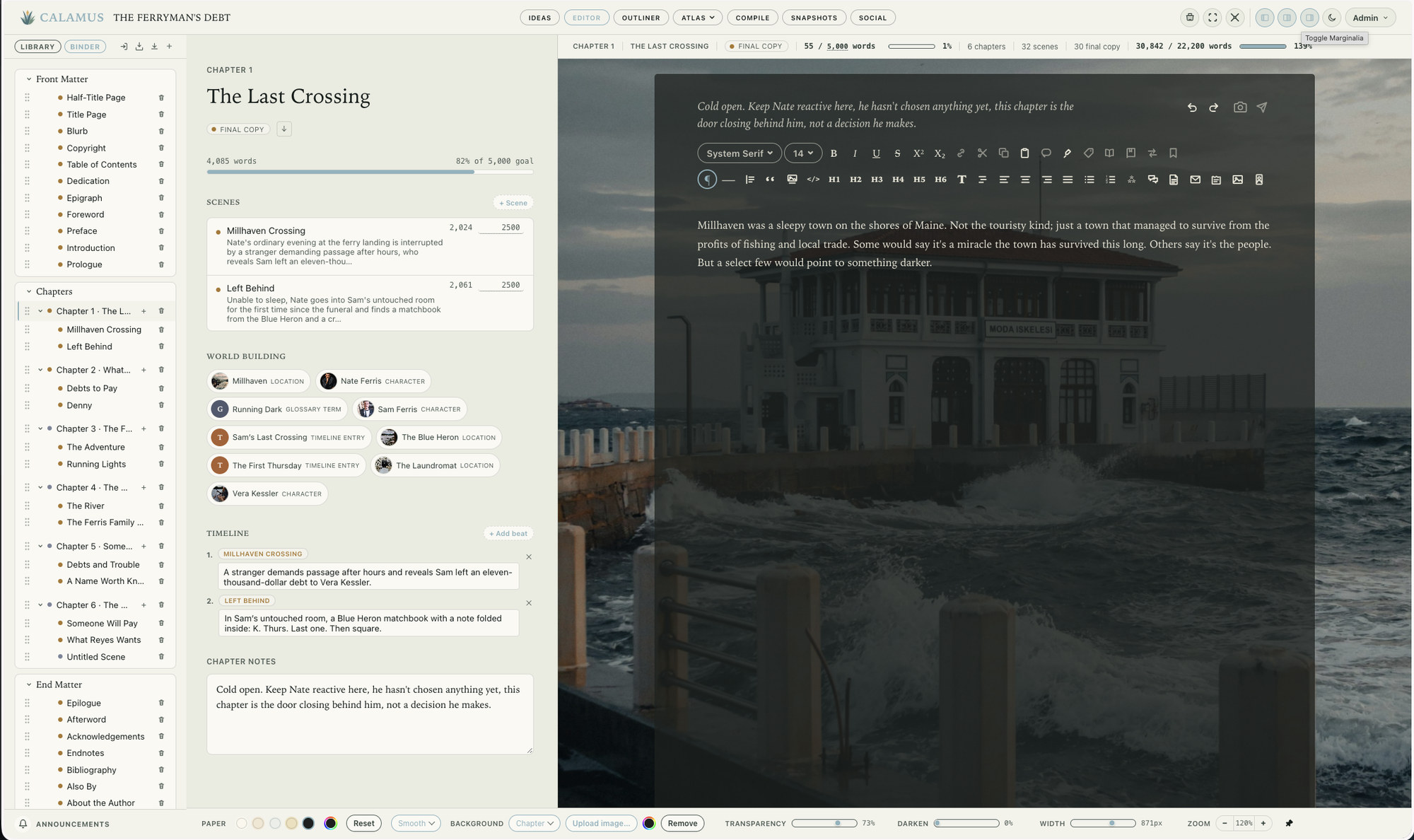
A chapter in Calamus: its scenes with word goals, the world-building entries it uses, its timeline beats and chapter notes, beside the scene being written

August 11, 2026

Vellum vs Calamus: formatting alone, or drafting and formatting together

Vellum is a formatting tool for Mac that makes beautiful book interiors with very few decisions. Calamus is a writing suite that also formats. Here is how they actually differ, and who each one suits.

Read more
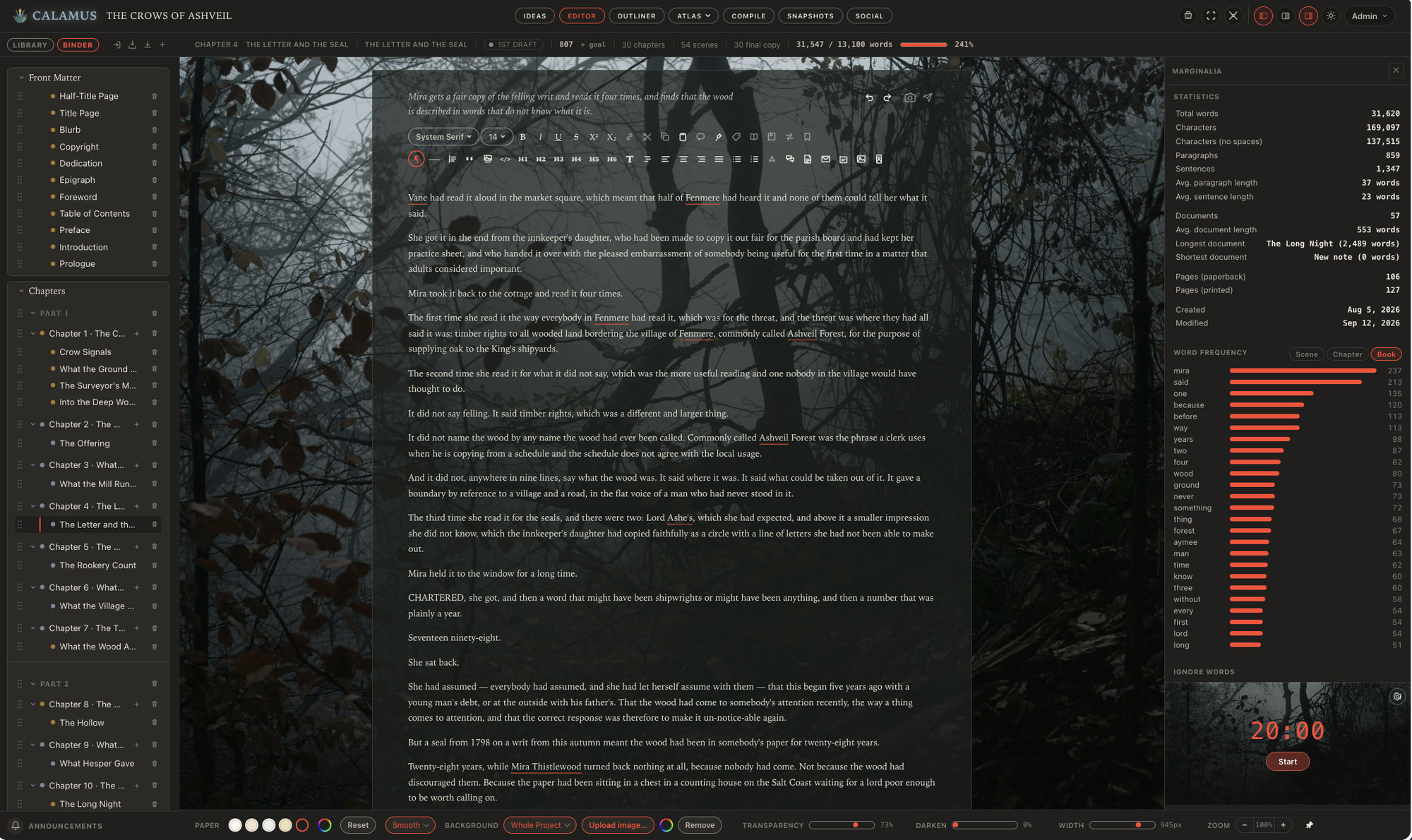
The Calamus Editor with a scene open and the Marginalia statistics panel beside it, counting words, documents and pages for the whole book

August 7, 2026

Offline writing apps for Mac and iPad

The word offline covers three different kinds of software, and they behave very differently on a plane or on hotel wifi. Here is what each one means and which writing apps actually work without a connection on both a Mac and an iPad.

Read more
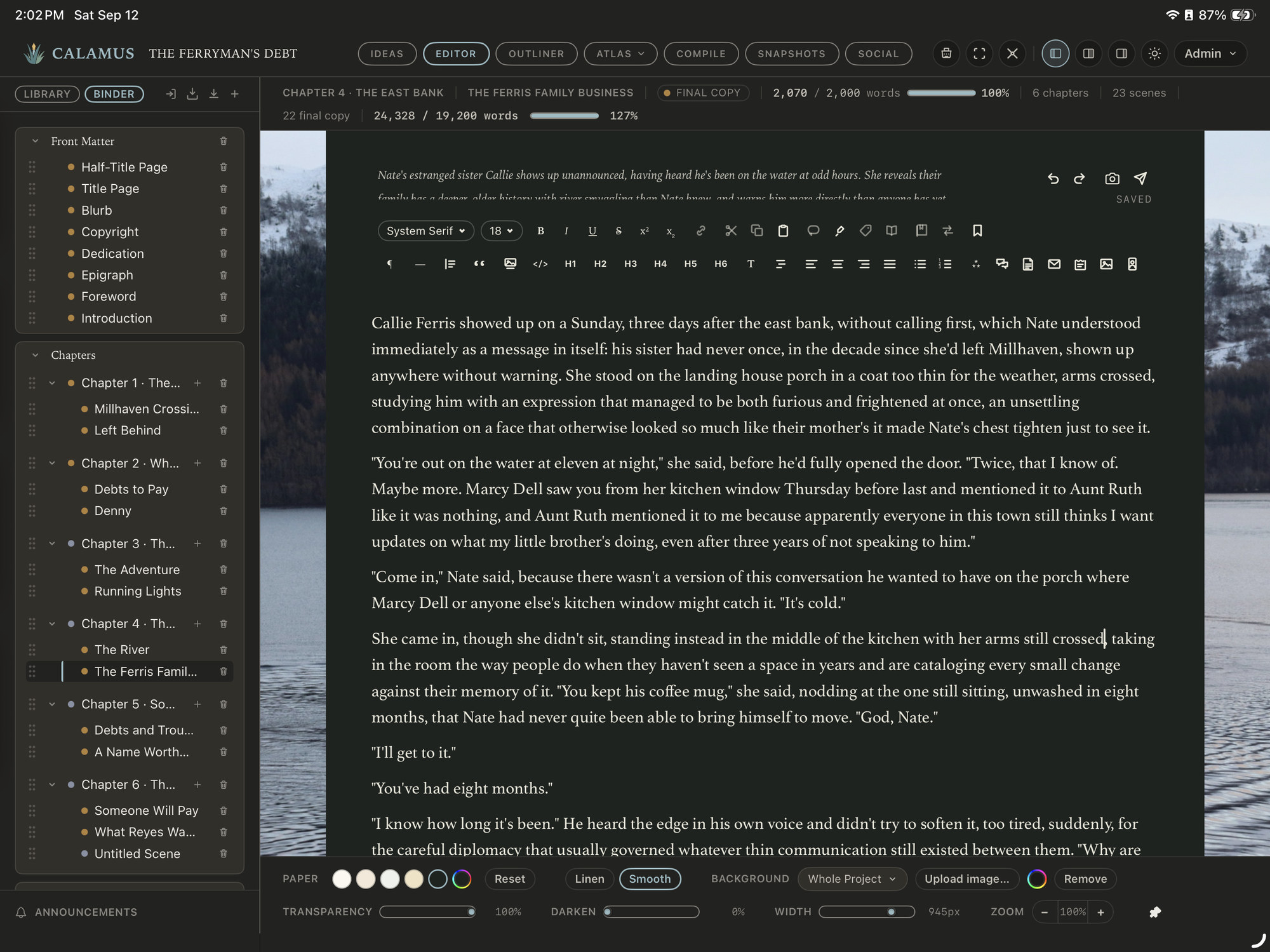
The Calamus iPad app in the Editor, with the Binder down the left and a scene of The Ferryman's Debt open in the center

August 4, 2026

The best writing apps for iPad in 2026

Most novel-writing software has no native iPad app at all. Here is what will help you write on an iPad, what each option costs, and what to check before you build a writing process, system, and habit with it.

Read more
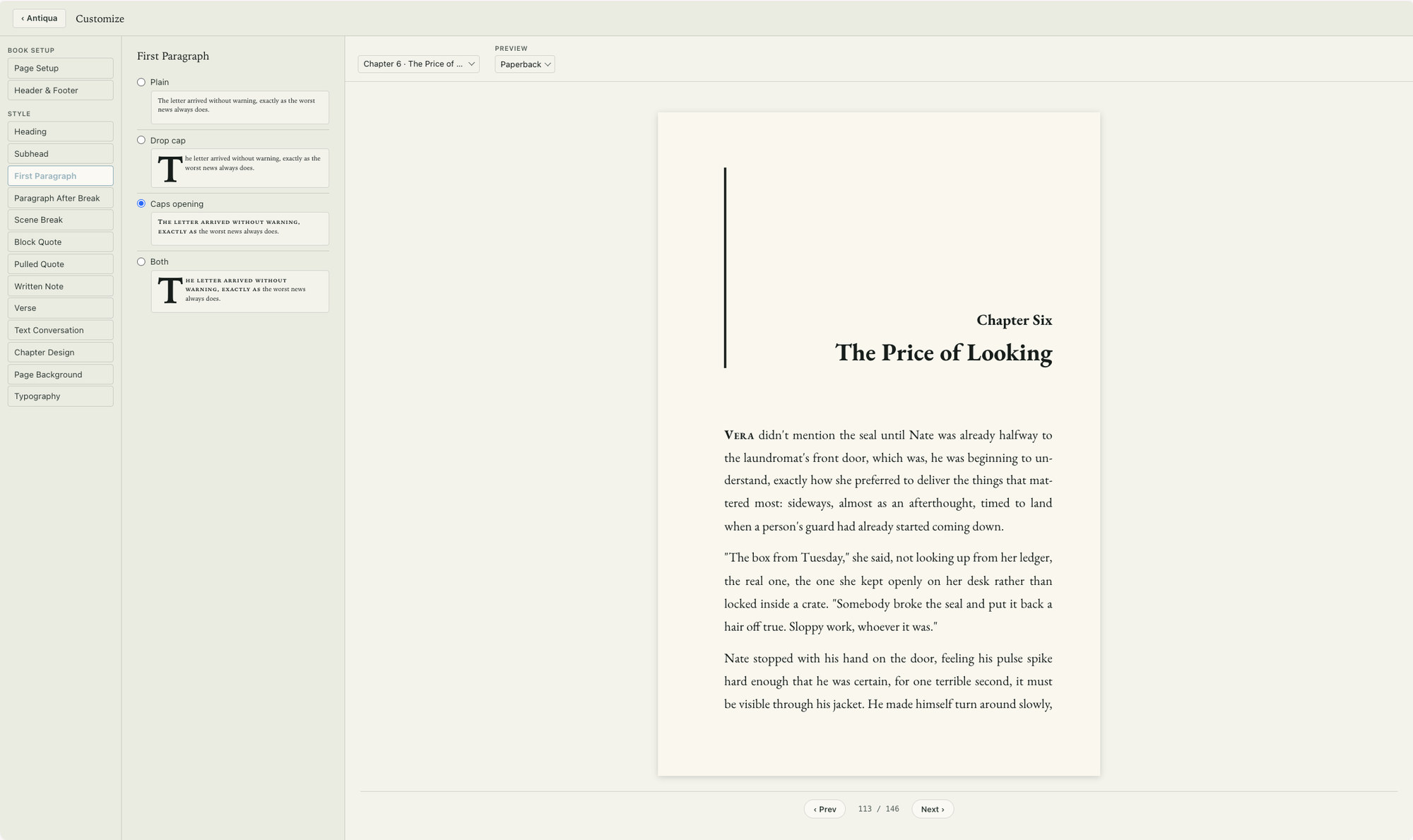
Compile in Calamus: first-paragraph style options on the left and a fixed 6 by 9 inch paperback page on the right, page 113 of 146

July 31, 2026

EPUB vs print PDF: what each file is for

An EPUB reflows to fit whatever device opens it. A print PDF is fixed at a physical size. Understanding the difference explains most of the formatting problems authors run into before uploading.

Read more

Ideas, Writing, Creative Vibing, Compiling, and Marketing: One Tool.

Calamus is in Beta testing; join the waitlist, learn about how Calamus will help you grow as a writer, and be the first to know when you can start writing and publishing with Calamus.

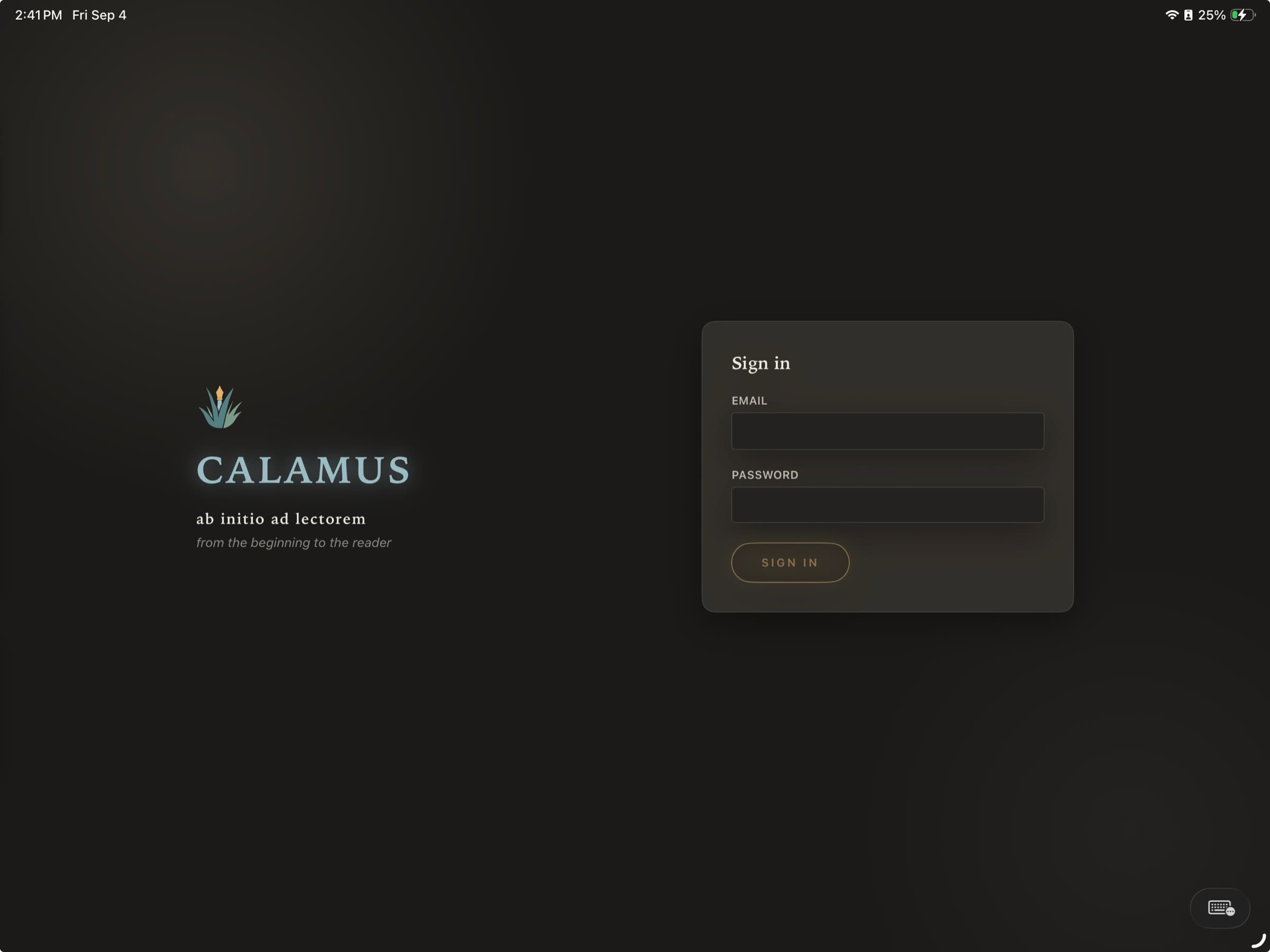
Calamus opening on an iPad: the mark and the wordmark on the left over a dark ground, the motto ab initio ad lectorem beneath it with its translation, from the beginning to the reader, and a sign-in panel on the right

Changelog

What shipped, and when.

Everything here is something you would notice while writing. The work that keeps the app standing up happens constantly and is not listed; this is the part that changes what Calamus does.

Beta

New

  • Quotations, letters and text conversations are typeset in their own styles when you compile, instead of running as ordinary body prose.
  • Subheads are set as subheads, in the style you chose for them.
  • Title pages can be edited on the Mac, not only typeset.
  • Apple Books EPUB export from the Mac app.
  • A Codex entry can carry a portrait, added from the Mac.
  • Volumes can be created, for a book that collects several.

Improved

  • Composition Mode can move the paper around the screen.
  • Research cards can be resized.
  • The Binder can be dragged wider on any window under 1400px, where it used to refuse.
  • Compile style belongs to the book you are working on rather than to every book at once.
  • Every control in the editor, the Ideas rails and the Compile bar now has a spoken name for screen readers.

Beta

New

  • The writing log: what you wrote and what you cut, recorded from whichever device you were writing on.
  • Log a writing session from your phone and have it count toward your day and your streak everywhere.
  • Snapshots at the account level, alongside the ones on each book.
  • The pen-name card menu on Mac and iPad.
  • Footnote style reaches the apps, which could insert a footnote but not place it.
  • The legal pages are reachable from inside the app.

Improved

  • The app shipped 29 fonts and let you choose three of them. All of them are selectable now.
  • The editor's empty page says something useful instead of nothing.
  • Moodboard notes are no longer limited to three colors.

Beta

New

  • Volumes reach the printed page: recto starts, running heads, and nested EPUB navigation.
  • The table of contents reads volumes, parts and chapters in the right order.
  • Mark a whole book Final Copy from Compile.
  • Collections, so an omnibus is shelved as a collection rather than filed among the novels.
  • Bug reports move to Support with an area attached, and a resolved ticket can be reopened.

Improved

  • Import was silently losing chapters on some manuscripts. It is not any more.
  • Compile fills the whole screen on the Mac and iPad.
  • Social on the Mac gets its Actions column and its calendar.

Beta

New

  • Word frequency can be narrowed to a scene, a chapter, or the whole book.

Improved

  • The writing modes and the Split View switch moved to the top bar on the Mac and iPad, where they are reachable without leaving the page.
  • The Pomodoro timer follows the phone, so a session started in one place is the same session everywhere.