We're excited to announce that Calamus Ideas for iPhone is officially available on the App Store today! It is our first iPhone app, and it is free if you own Calamus.
Calamus writing software runs on a Mac, an iPad and in a browser. Calamus Ideas adds your phone, so you can write things down when you are away from all three. Everything you save syncs to your account and is there when you open your book again.
Available on the App Store. $4.99 a month, or free if you own Calamus.
Write a note in two taps
The app opens on a text box with a Save button. Type your note, press Save, and the box clears so you can write another one. That's right—get all those beautiful ideas down before you lose them!
You can file the note under a category, a pen name and a book, or skip that and sort it later on your Mac. It'll be waiting under Ideas in the top menu on your Mac, iPad or browser, so you can assign it then. You can also add a second line of detail under the title, or just leave the title.
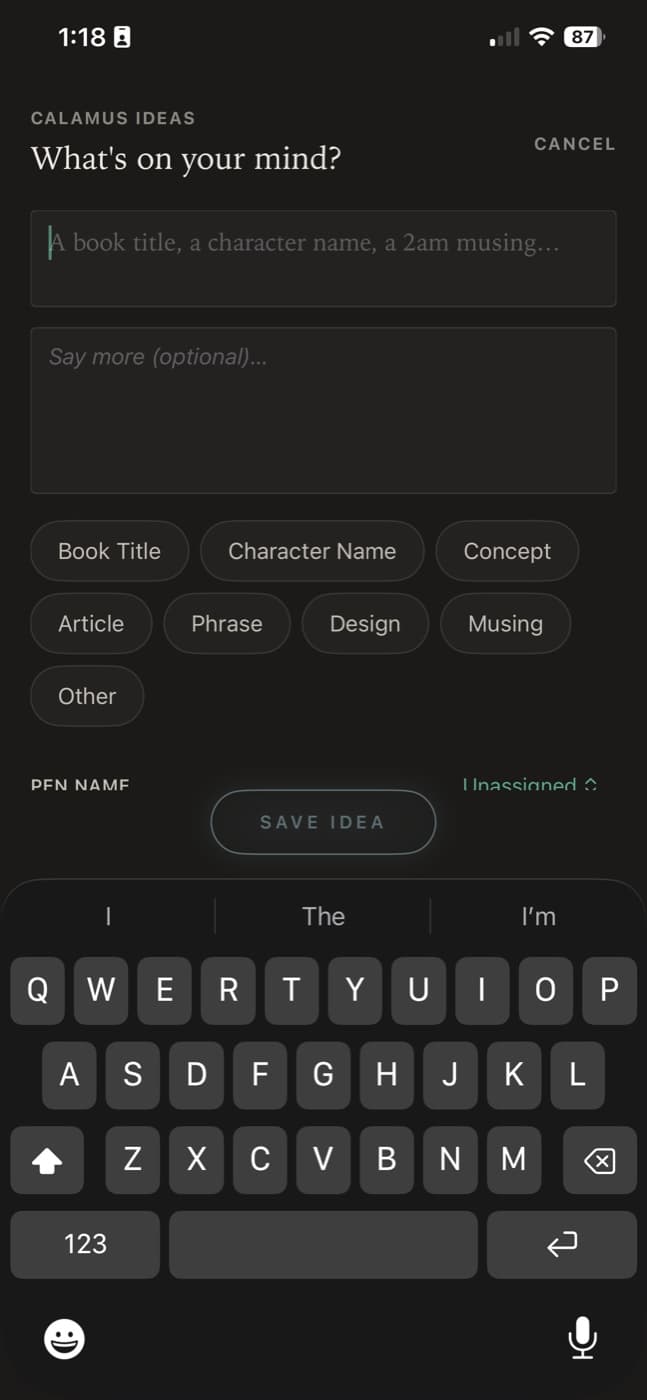
If you find an article in Safari while scrolling on your phone, share it to Calamus Ideas and the link is saved with your note. Makes it useful for doom-scrolling mixed with a little book or topic research here and there.
Save quotes and share them with your book link
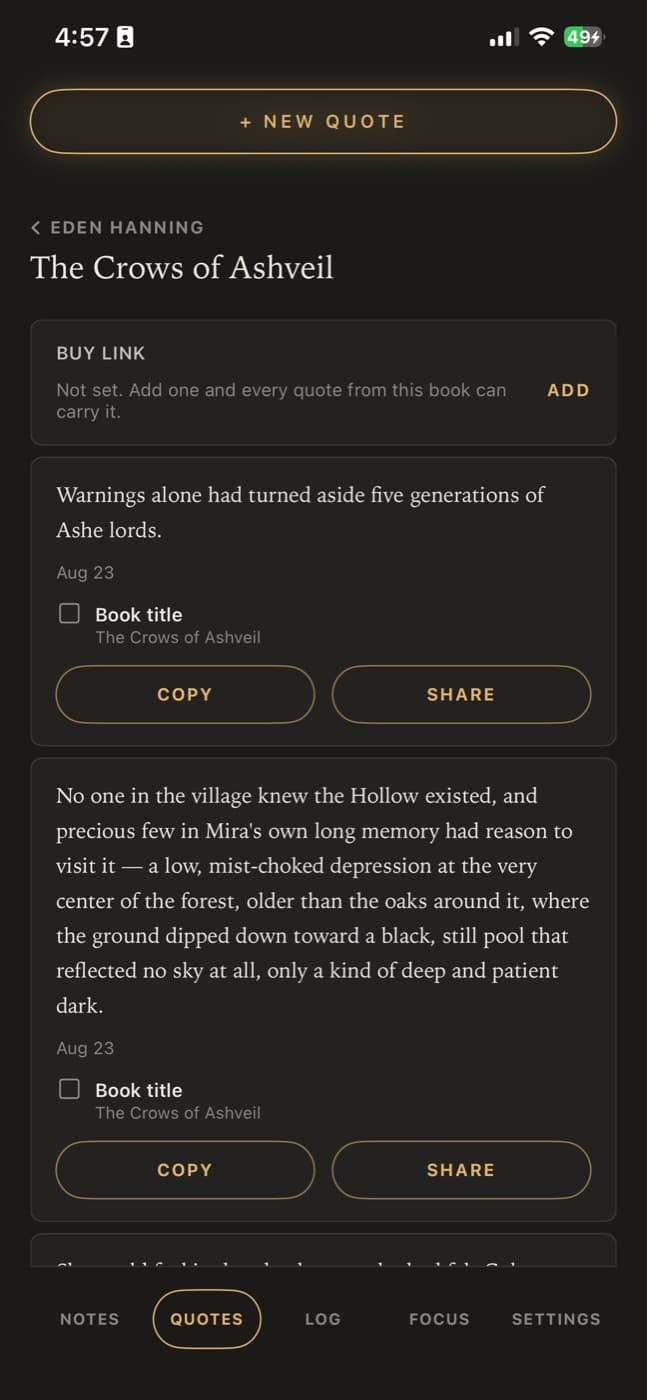
Save a line from your own book, or from something you are reading. If the line is not yours, record who said it. From there, you can share quotes directly to your social media feed.
Your quotes are sorted by pen name and by book. When you share one to Instagram, Threads, Bluesky or anywhere else on your phone, Calamus adds your book title and your buy link to the post, so readers can find the book. (We're trying really hard to make book marketing easier!)
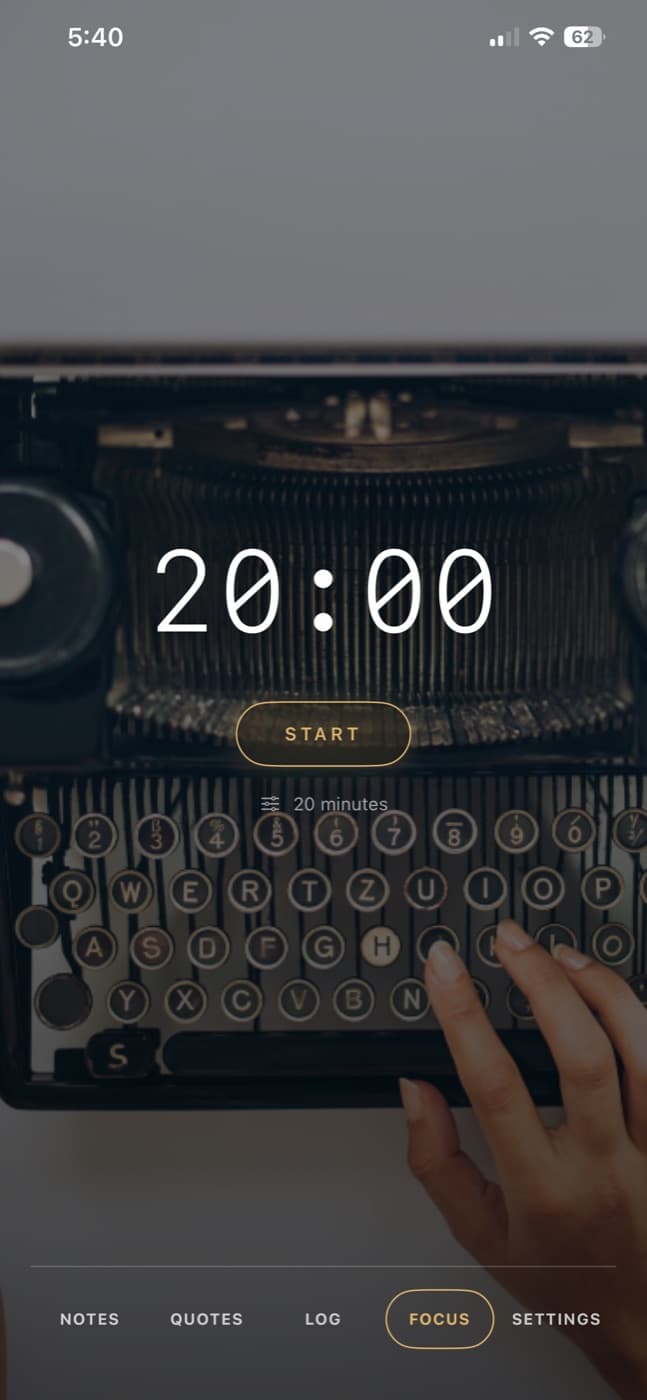
Set a writing timer with your own background photo
Pick a length from 5 to 90 minutes, in 5-minute steps. Choose a background photo from your phone instead of using a stock image.
The app sounds an alert when your time is up, and you can add the session to your writing log with one tap.
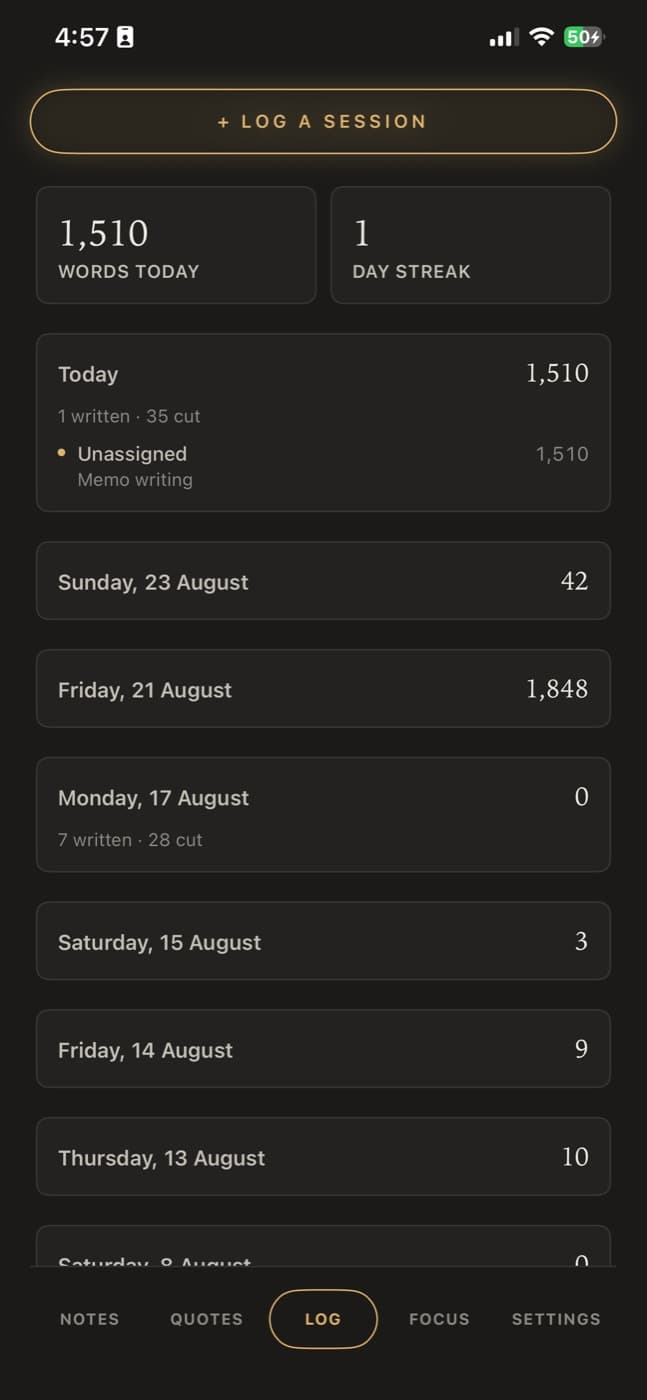
Track your word counts and your streak
Calamus Ideas records each writing session by day: words you added, words you cut, and your streak. You can assign a session to a pen name and a book, or leave it unassigned for morning pages and anything else that is not part of a project.
Sessions from your phone go in the same log as the ones from your Mac. The streak counts you, not each book, so writing under three pen names still counts as one streak.
Price, and what the app does not do
Calamus Ideas is $4.99 a month on its own. You can buy it in the app through Apple and manage it under your Apple ID. If you own a fully licensed copy of Calamus writing software, it is free and integrates into your writing app.
It is for writing things down, not for drafting your book. But you can certainly use it for dictation and transfer the content to your manuscript for later. You will primarily write the book on your Mac, your iPad or in your browser using the Editor.
We do not use your writing to train a model. There is no advertising identifier and no analytics SDK in the app. You can export everything you save, and deleting your account deletes it. If your subscription ends, you can still read, export and delete what you already wrote; you just cannot add anything new. Calamus writing app license holders never have to worry about their iPhone app ending; log in with your Calamus account and you'll have a streamlined note-to-manuscript system in place.
The Calamus Ideas page walks through the app in more detail, and the pricing page shows how it compares to Calamus itself.
Chad & Melody
Co-founders of Calamus
The Calamus Team