Ideas
Sometimes ideas happen when you don’t have a pen or paper.
Calamus Ideas for iPhone is for writing away from your desk. Write down the thought, categorize and assign it to a pen name or book project if you want, and it’ll be on your Mac, iPad, and browser ready for you to work with it when you’re ready.
On your phone
Capture your ideas, notes, and research
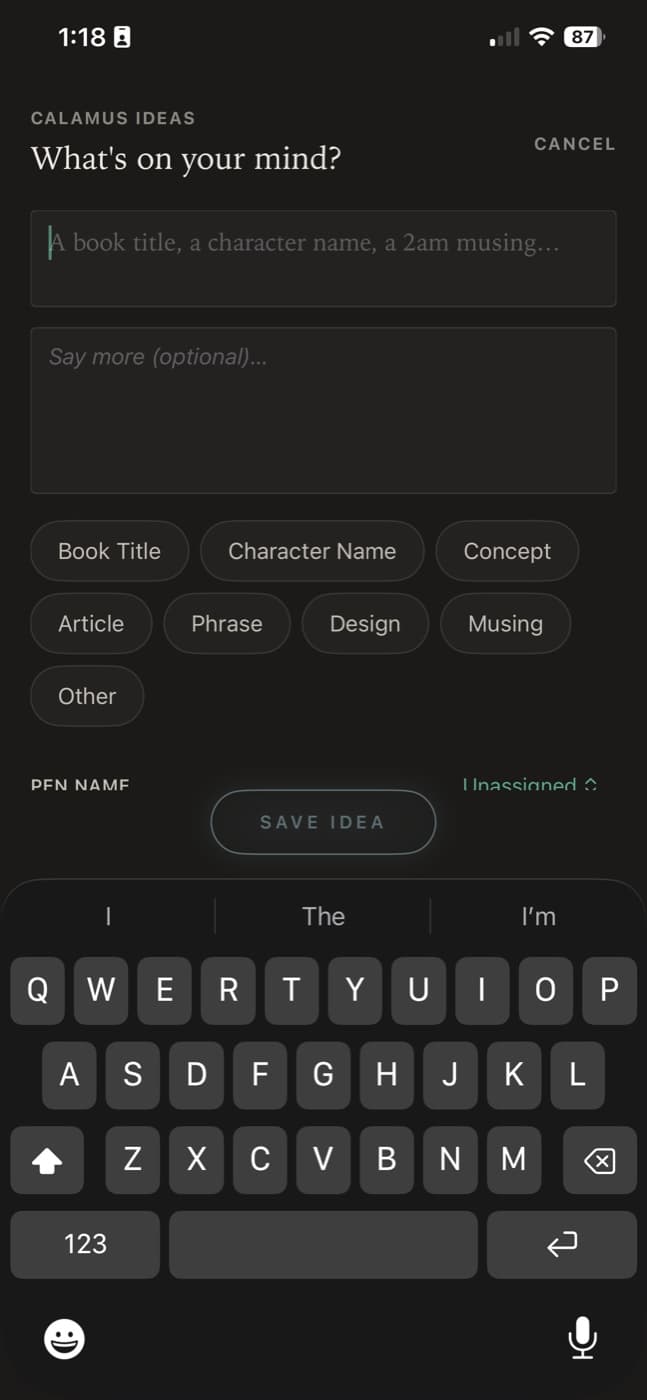
Open the app, write the thought, done. No project to pick first, no file to name, nothing to decide before you can type. It syncs to your account the moment you save it.
- Capture in a single screen, with nothing between you and the text
- File it under a category, or leave that for later
- Assign it to a book you are already writing
- Keep a link beside the note, so the source comes with the thought
Send websites and research from your phone to your Calamus Ideas app to capture thoughts, sources, links, etc. on the go. Your phone just became a better ally to your writing process with the help of this app that is directly connected to your writing projects.
- Assign to a pen name, or leave notes unassigned
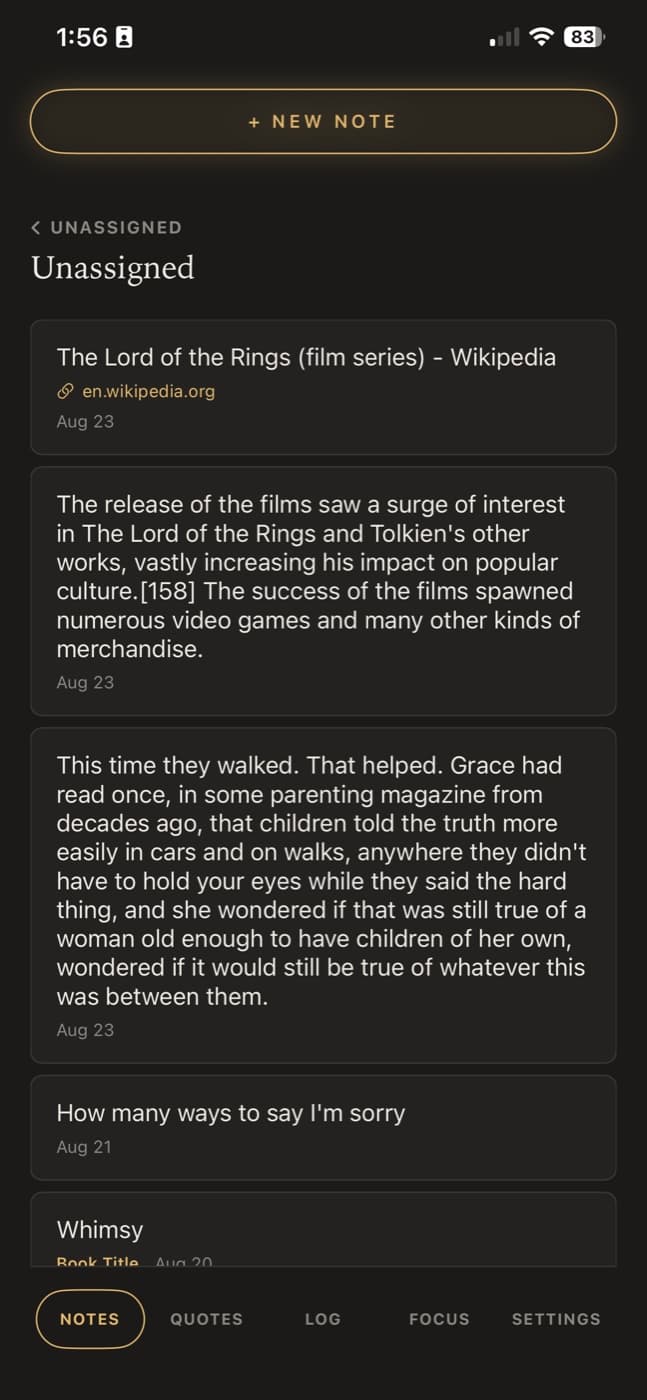
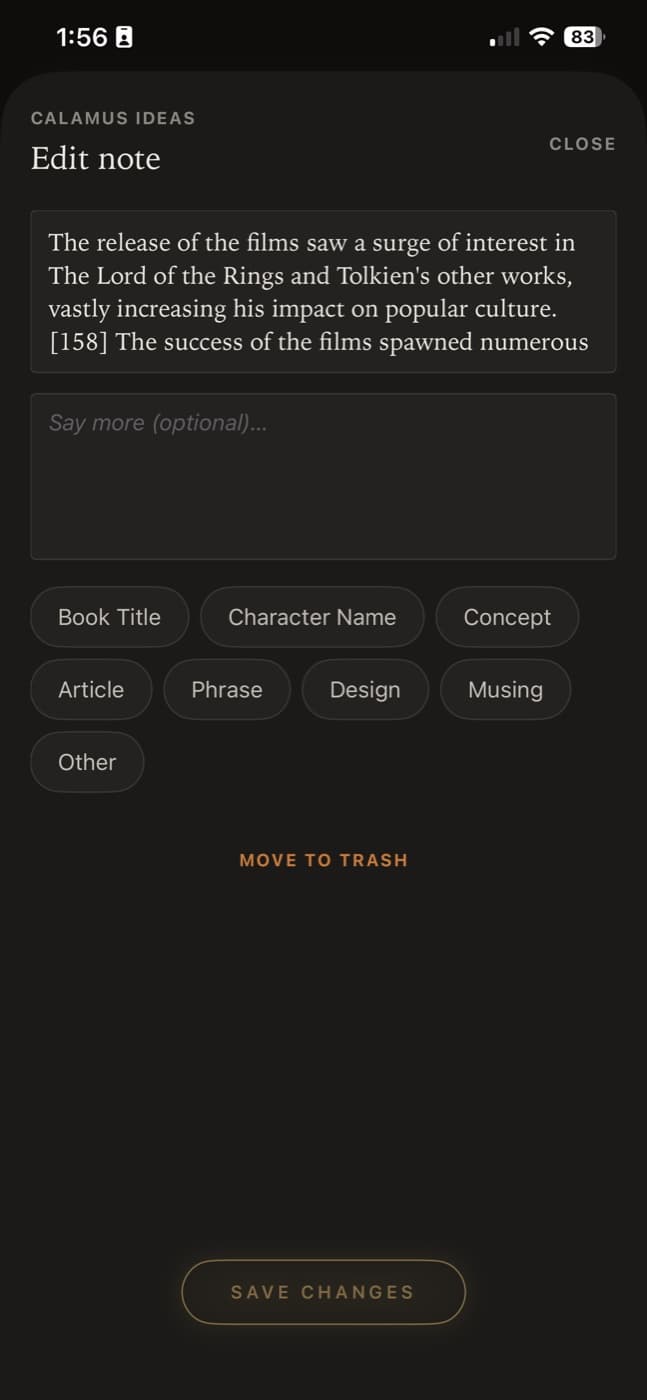
- Edit notes with ease, or create assignments
- Create custom categories perfect for your writing process in Account Settings
- Review your notes on the go, or in the Ideas module on your app or browser
Quotes
Collect quotes from sources and your own book to share on social media
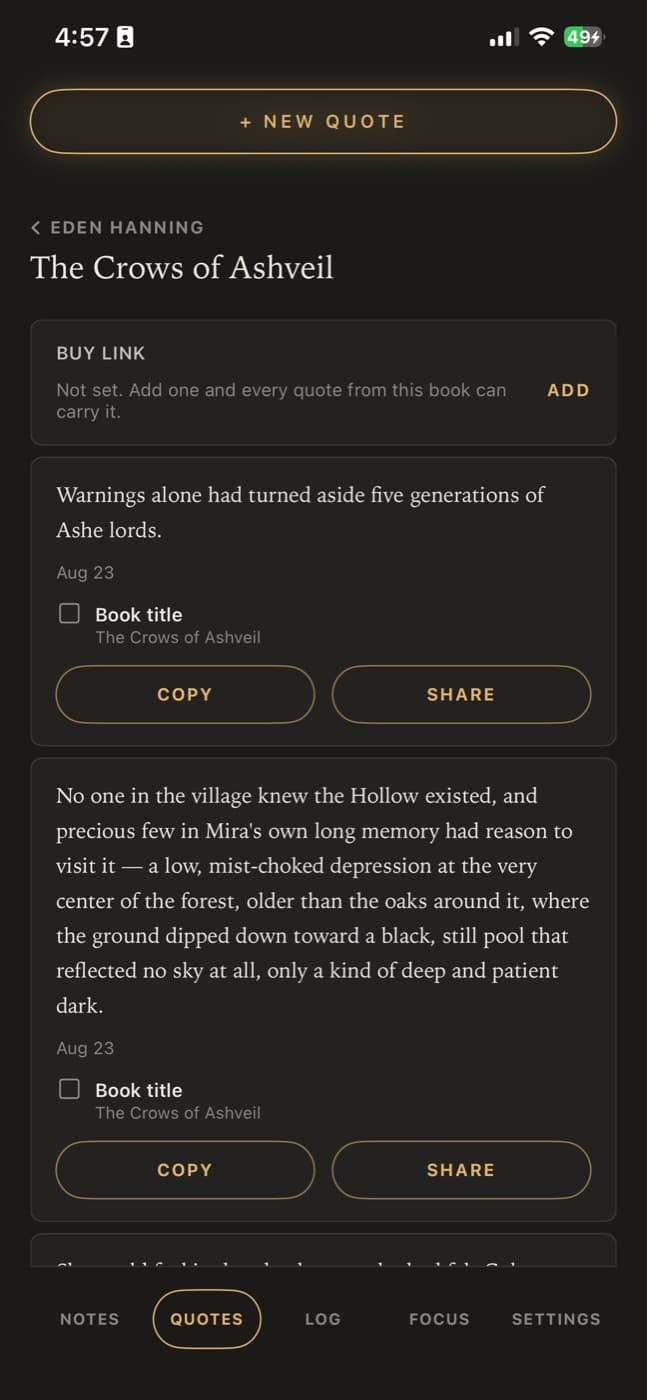
Mark a line while you are drafting on your Mac, iPad or browser and it is waiting in the Quotes tab, grouped by pen name and book. When you have a minute and something to post, it is there to copy or share, without opening the manuscript to hunt for it.
- Every quote you pulled while writing, grouped by pen name and book
- Copy it, or share it to any app on your phone
- Include the book title with the quote, or leave it off
- Set a buy link once against a book and every quote from it can carry that link
- Add a quote on the phone too, for the line that occurs to you away from the desk
Focus
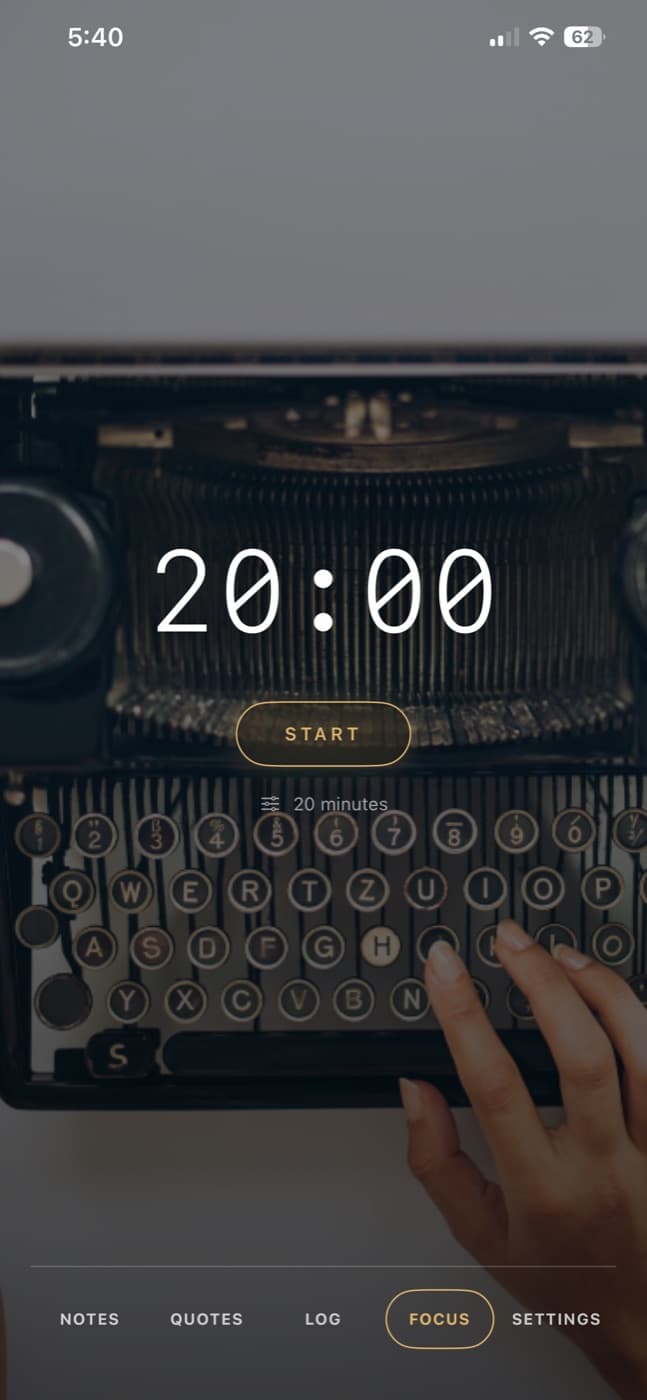
Pomodoro timer for focused writing sessions
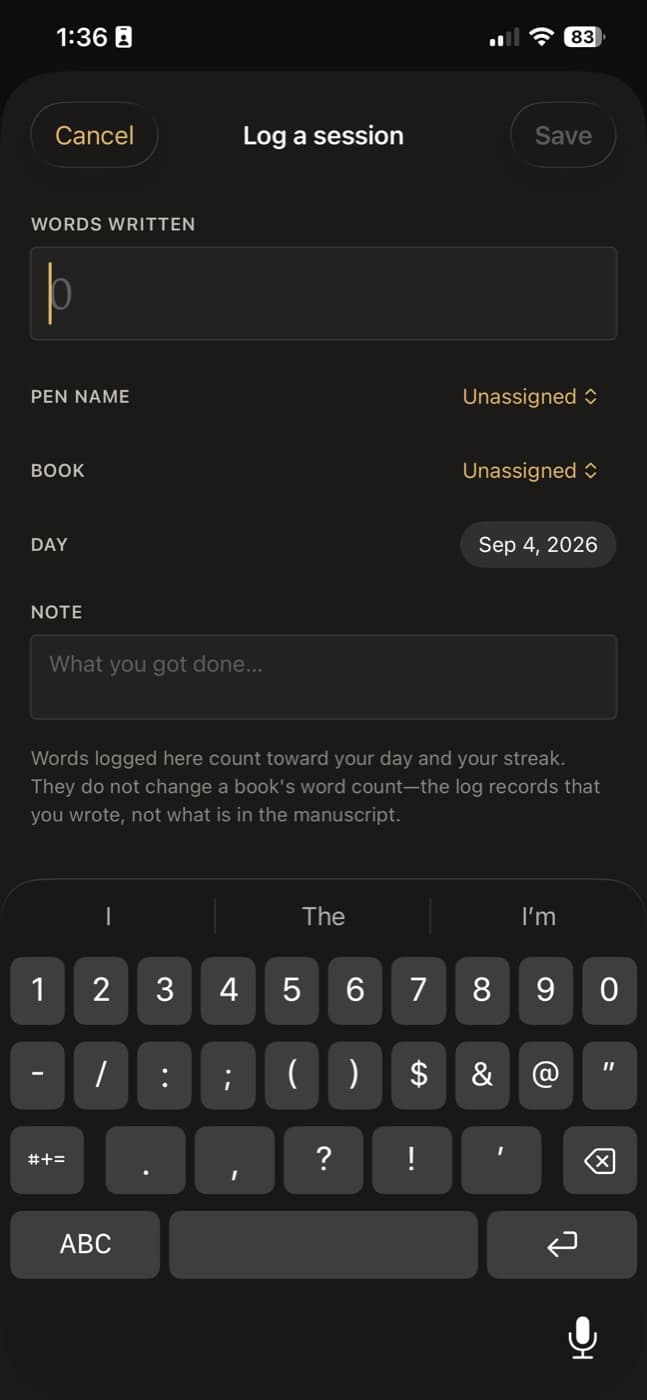
Set a length, start it, and write until it tells you to stop. The timer runs over a background image you choose. When it finishes, log the session: put the words against a pen name and a book, or leave either unassigned if the writing does not belong to a project yet.
- 5 minutes to 90 minutes, increments in 5, in focus mode with a background photograph you choose for upload
- Get notified in a manner of your choice via settings for when your time is up
- Send the finished sitting to a pen name, book title, or leave it unassigned
- Add a note about what you got done, for when you look back
- Logged words count toward your day and your streak without changing the book’s word count (avoids double-counting your word count)
The writing log
Keep track of your writing habits and streak
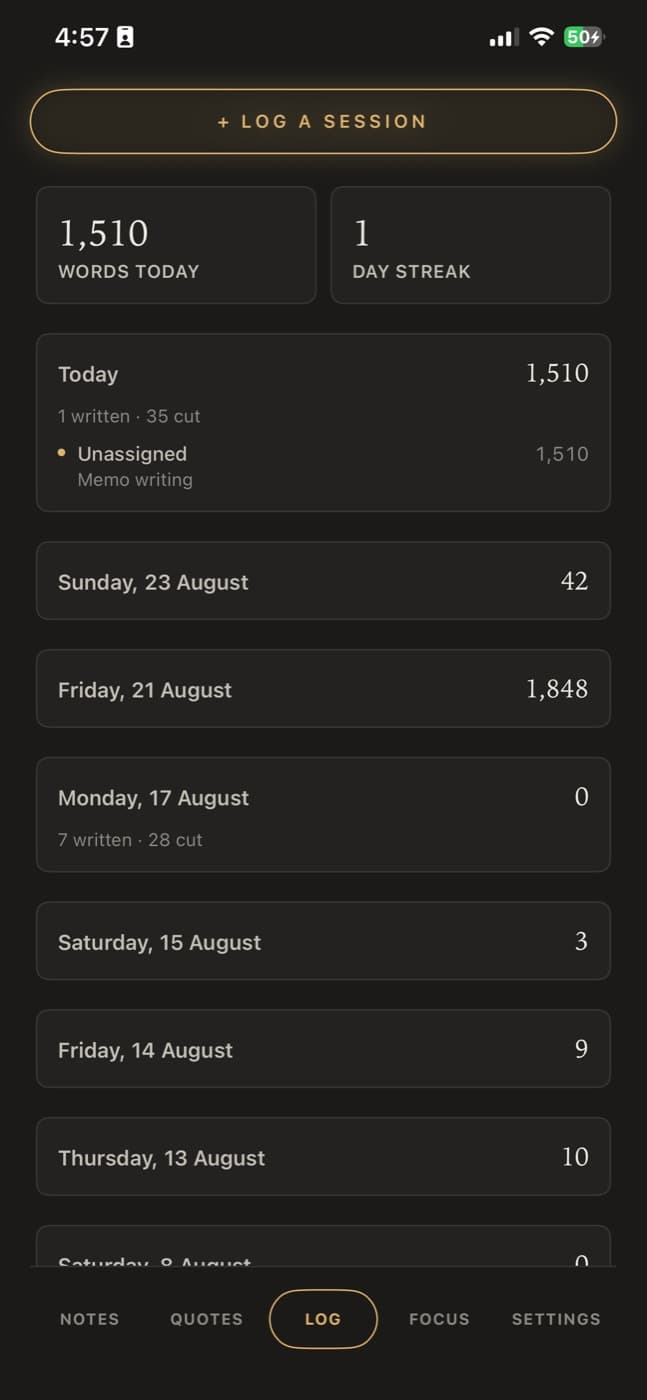
Words written and words cut are counted as two separate numbers, so a day spent revising is recorded as work rather than as no progress. This is the phone’s view of it; the same log feeds your writer dashboard and the Writing Record beside your Snapshots.
- Words written and words cut, side by side on the same day
- Assign a session to a book, or leave it unassigned
- Log a session by hand, or send one straight from the Focus timer
Then, at the desk
Everything syncs to your account and opens on every device
The note syncs to your account as you save it, so the same idea is on your Mac, your iPad, and in the browser with nothing to move across. An idea assigned to a book shows up with that book, which means Tuesday’s thought is already in front of you when you open the chapter on Thursday.
Every saved idea
What you can do with a note once it is saved.
Categories you choose
Eight built-in categories to file a thought under, and your own on top of them, added in Account Settings. Every category you make shows up in each idea card’s picker and down the left rail of the Ideas canvas.
Attach an idea to a pen name, book, or leave it unassigned
Put it against a pen name and a book so it surfaces with that project when you open it, or leave it unassigned until you know where it belongs.
Research from your phone
Research from your phone: share an article or a web page straight into the app and the link comes with it. Collect quotes, paste a passage you want to keep, and record a musing on the fly, all against the note it belongs to.
Browse them later
Every note you have captured as an idea, in one list, searchable and filterable by category or pen name. Open it on your phone, or in the Ideas module on your Mac, iPad or browser.
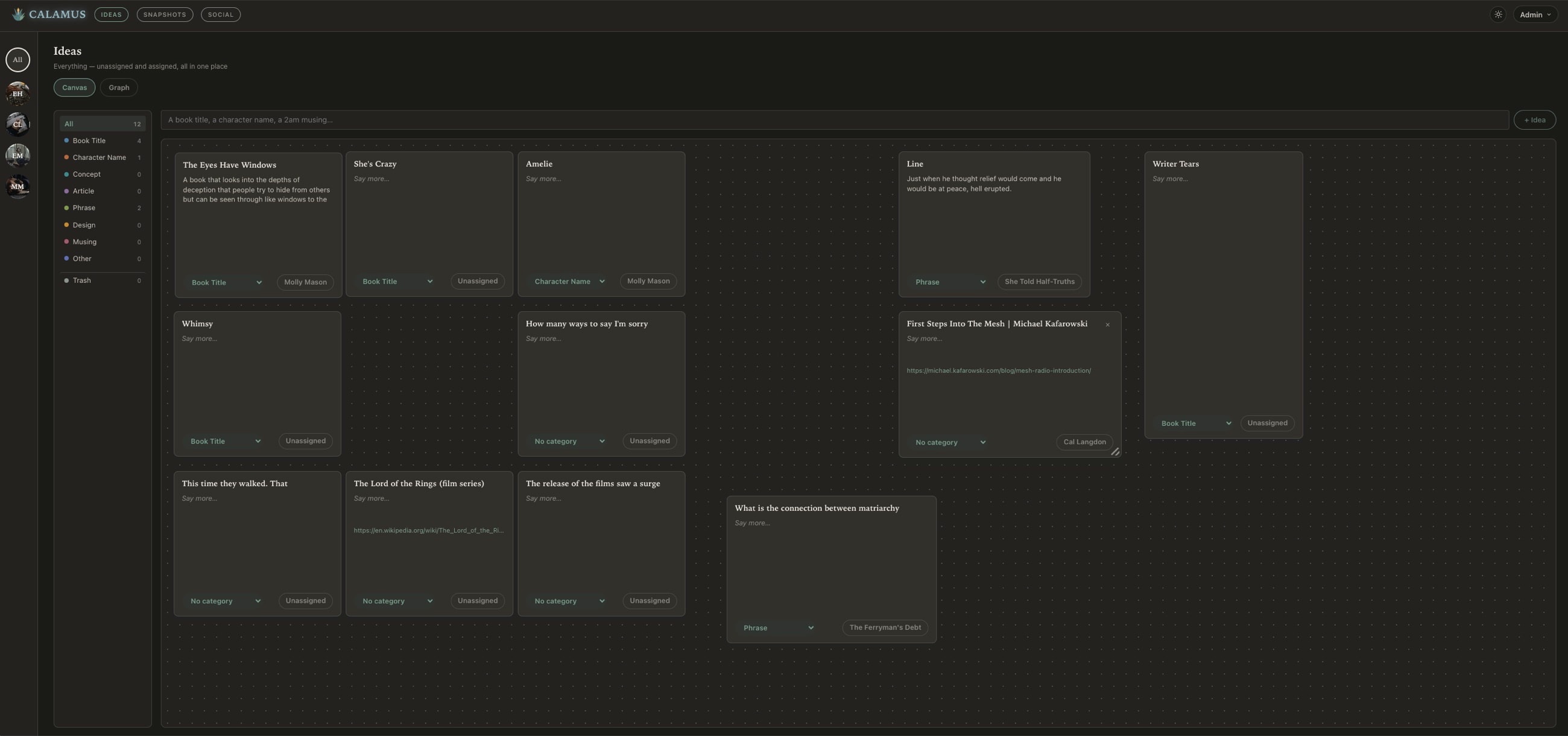
The Ideas module on the desktop. Every idea captured on your phone, filtered by pen name or category, arranged on a canvas you can move cards around on, and assignable to a pen name or a book at any point.
Ideas, Writing, Creative Vibing, Compiling, and Marketing: One Tool.
Calamus is in Beta testing; join the waitlist, learn about how Calamus will help you grow as a writer, and be the first to know when you can start writing and publishing with Calamus.