"Works offline" for writing software is used to describe three different things, and the differences only show up at the moment you really need them to work well. Before comparing apps, it is worth separating them by feature and function, because a tool that is offline in one sense may be useless to you in another.
Three Kinds of Offline
A native program installed on your machine. The application lives on your disk. It opens without contacting anything, because it is not waiting on a server to hand it your work. If a connection appears later, sync catches up. If it never appears, you keep writing. Where the manuscript itself lives is a separate question and worth keeping separate: some native apps keep it as a document on your disk, others keep it in your account and hold a working copy on the machine. Both are native. They differ in how you get an independent copy, which is the second check at the end of this piece.
A web app cached for offline use. This is a progressive web app, or PWA. The browser stores a copy of the app so it can open without a live connection, and it queues your changes to send later. It is a real capability and it works, with two caveats: the cache has to be present and current, which means the app has to have been opened successfully at least once on that device with a connection, and clearing browser data can remove it. The app is resident in the browser rather than installed as a program.
A browser tab that needs a connection. Most browser-based writing tools. Close the tab or lose the connection and the app stops. Some have a limited grace period. None are designed for a working session without a connection.
What the Difference Looks like in Practice
On a plane. With a native app you open the laptop and work; nothing changes about the experience except that sync is paused. With a cached web app you can usually work if the cache is warm, and you should test that on the ground rather than at 30,000 feet. With a browser tab you do not write—at all.
On bad hotel wifi. This is the case that separates the first two more than a total outage does, because intermittent connectivity is harder to handle than none. A native app is unaffected; it is not asking the network for anything while you type. A cached web app has to decide repeatedly whether it is online, and a connection that keeps half-succeeding can produce slow saves or sync conflicts. A browser tab may reload and lose unsaved work.
During a service outage. Every service has one eventually, including well-run ones. With a native app, an outage means sync waits. With a cached web app, whether you can work depends on whether the cache survived and what the app needs from the server to start. With a browser tab, the writing day is over until the service comes back.
The pattern is that the failure modes get worse as you move down the list, and the convenience gets better as you move up it. Nothing to install and nothing to update are genuine advantages of the browser-based approach, and they are the reason it exists.
What Works Offline on a Mac and an iPad
The Mac and iPad combination narrows the field considerably, because an app has to succeed on both.
Scrivener
Native on Mac, Windows and iOS. It opens without a connection, and the project is a document on your disk, so you can find it in Finder, copy it to a drive and back it up yourself without asking the app for anything.
Two things to plan for. The iOS app is a separate $23.99 purchase on top of the desktop license, which is $59.99 per platform. And sync between the Mac and the iPad requires Dropbox or iCloud, which you configure yourself; it is not built into the app. That setup works reliably once it is right, and it has an established set of habits around it, mostly about closing the project on one device before opening it on the other.
Scrivener has been the serious novelist's manuscript organizer for close to 20 years and the Binder model has not aged. The Corkboard, Outliner and Snapshots are still a complete system, and none of the pricing detail above changes that. It is covered further on the Scrivener alternative page.
Vellum
Native, Mac only, $249. It opens offline and works offline on a Mac.
There is no iPad version and no iPhone version, so for a Mac and iPad workflow it covers half the requirement. Vellum is a formatting tool rather than a drafting tool, and within that role it is excellent: it produces beautiful print interiors with very few decisions to ask of you. If your iPad is not part of your writing setup, none of this is a problem.
Atticus
A web app, specifically a PWA, at $147. It runs on Windows, Mac, Linux and Chromebook, which is a wider hardware range than anything else here, and for a writer on a Chromebook it may be the only real option.
On an iPad it is the browser. There is no separate tablet app, and the phone experience is the browser as well. It sits in the second category above: cached web app on the desktop, browser tab on the tablet.
Atticus has 1,500 or more typefaces and produces print PDF at trim size alongside EPUB and DOCX, so the formatting side is strong. The offline story is the trade you are making for the hardware range.
Calamus
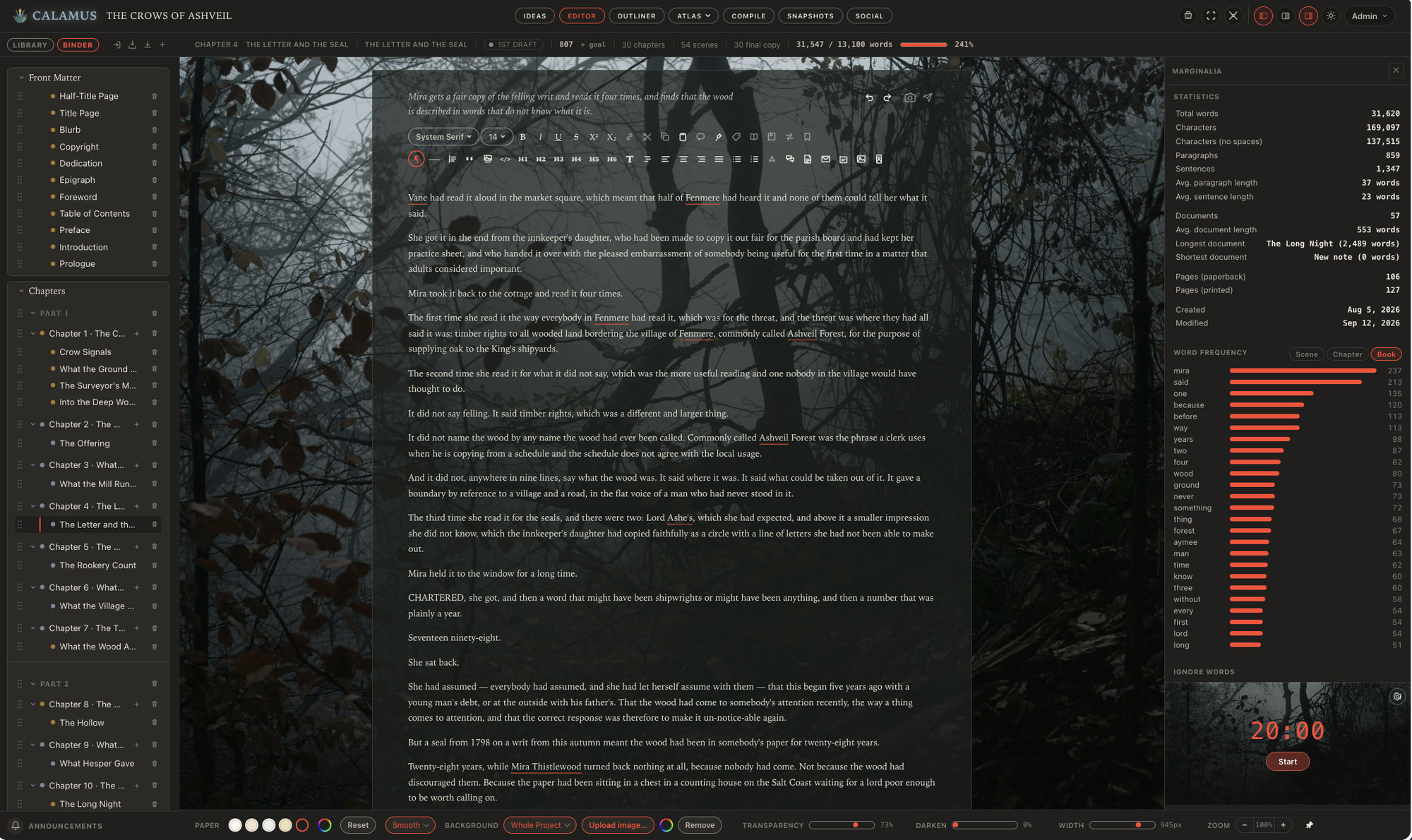
Native on Mac and iPad, with Calamus Ideas on the iPhone and a browser version alongside. All of them are included in the $189 one-time price, and sync is built in rather than arranged through a third-party service. Drafting happens on the Mac, the iPad or in the browser; the phone app is for capture.
That means the same project opens on the Mac and on the iPad as an installed program in both places, without configuring Dropbox or iCloud, and both keep working without a connection. The manuscript itself lives in your account rather than as a document in Finder; what sits on the machine is a working copy, and an independent copy comes from the export described at the end of this piece. The intended shape is that a note captured on the phone lands in the book, the draft continues on whichever device you are at, and the finished EPUB and print PDF come out of the same project. The full set of modules is on the suite page.
The honest limitation: on Windows, Linux or a Chromebook, Calamus is the browser version today. A Windows build is planned for 2027, with Android alongside it, but if you need a native app on those machines this year, Atticus covers them and Calamus does not.
What to Check Before You Rely on Any of Them
Whatever you choose, verify the offline behavior yourself rather than trusting the marketing copy, including ours. Four checks cover most of it.
Test it disconnected, deliberately, before you need it. Turn off wifi, put the device in airplane mode, and try to open the app and edit a real project for 20 minutes. Do this on every device you intend to use, because desktop and tablet behavior often differ. Do it before the trip, not during it.
Find out what is on the device, and how you get a copy off it. Two questions, and plenty of apps answer only one. Some keep a document you can open in Finder or the Files app. Others keep the manuscript in your account and hold a working copy on the device: the answers the server last gave, the prose you have typed but not yet had confirmed, and a queue of changes waiting to go up. The second arrangement can be the safer of the two, because the app writes your words to disk before it tries the network rather than after. What it means is that your independent copy comes from the app's own export rather than from Finder; in Calamus that is Settings, then Backups, which hands you a zip holding the manuscript as .docx, Markdown and PDF, a Markdown file per chapter, and your Codex, research, moodboard, outline, notes and to-dos. Run it once now so you know it works, and keep the result somewhere the writing app cannot reach.
Understand what happens when two devices both edit offline. Every sync system has a conflict resolution rule. Some keep both versions, some prefer the most recent, some ask. Find out which yours does by testing it once with a throwaway project rather than discovering it with a chapter.
Check what the app needs at startup. Some apps open offline but still want to check a license on launch, or on a schedule. That is usually fine and occasionally not. If the app has a version history or snapshot feature, confirm it works offline too, since restoring an earlier draft is exactly the kind of thing you want available on a plane.
A last practical note: an app working offline is not a backup strategy. Local files still need copying somewhere else, and cloud sync is not a backup either, since it faithfully replicates a deletion. Whichever tool you use, keep a copy of the manuscript somewhere the writing app cannot reach.
If you want to run the disconnected test on Calamus with your own manuscript before deciding, the 14-day trial covers it. Compile is locked during the trial, but your files still download, so nothing you write during it is stuck.
Working without a connection is one requirement among several, and it is rarely the only one that matters. The guide to book writing software sets it beside the rest.
Chad & Melody
Co-founders of Calamus
The Calamus Team